How to Remove Image Backgrounds
Everything you need — portraits, products, logos and passport photos. Free, on any device.
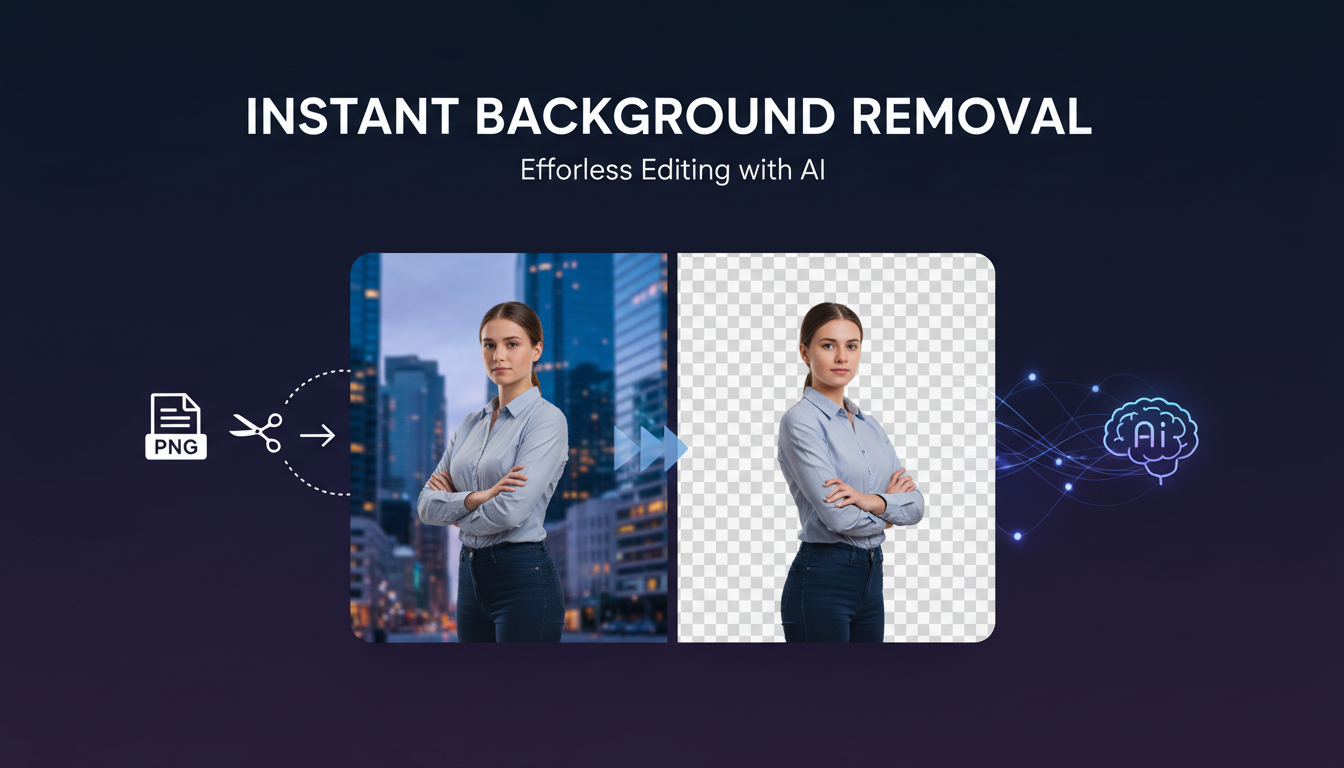
Remove Background From Portrait Photos
Use Portrait Mode before uploading. This AI model is specifically trained on human hair, skin tones and face edges — where generic removers fail.
Portrait mode handles flyaway hair, glasses, earrings and beard stubble cleanly. After removal, use the Edge Refinement slider to add a small feather — this removes the harsh cut-out look and makes results appear naturally photographed.
For best results, shoot against a single-color background. High contrast (a person against a white wall) gives the AI the clearest signal.
Product Photo Background Removal
Use General Mode for products and e-commerce photos. It handles straight edges, packaging text, reflective surfaces and irregular shapes well.
Before removing, crop your product image tightly — less background area means more accurate subject isolation. After removal, set a white background for marketplace listings (Daraz, Amazon, Shopify require white for thumbnails).
The resulting PNG is often larger than your original. Compress the output before uploading — most platforms have a 1–2 MB limit per image.
How to Remove a Background on iPhone
iOS 16+ built-in: Open photo in Photos app, press and hold the subject until it glows, tap Copy. Paste the cutout anywhere — this works offline.
For a proper transparent PNG: Open this tool in Safari, select your photo from camera roll. The AI processes it and the PNG downloads directly to your Files app — giving you a shareable file, unlike Apple's paste-only method.
Make a Logo Background Transparent
Use General Mode for logos on white backgrounds. The AI handles flat graphic shapes and text outlines cleanly, even on logos with thin serifs or small details.
For JPG logos (which have no transparency data), the AI removes the white background and gives you a transparent PNG you can place over any color without a white box.
For vector logos, work directly with the original file. If you have CDR, SVG or EPS, convert to a format with native transparency rather than removing a background from a rasterised JPG.
Passport Photo and ID Photo Backgrounds
Remove the original background and replace it with the exact color required. Click Background after removal and enter the hex code (pure white is #ffffff; European passports often use #f5f5f5 for a slightly warm white).
Country requirements: UK uses plain cream/off-white. Pakistan CNIC requires plain white with face taking 70–80% of frame. US requires plain white with specific head measurements. Always verify official requirements before printing — this tool meets color requirements, but dimensions and DPI must be checked separately.
After setting background, download as JPG. If file size is a concern for online forms, use our image compressor to hit the exact target.
Getting Clean Edges — Pro Tips
The quality of your input determines output quality. Follow these practices:
- Crop close to subject before removal — use our Image Cropper. Less background = more accurate detection.
- Good lighting matters — even, well-lit subjects separate cleanly. Harsh shadows confuse the AI.
- Use Portrait Mode for people — General mode often leaves haloes around hair.
- Raise edge feathering slightly (3–5px) for phone photos — softens the digital-cut look.
- Complex backgrounds are harder — a person in a forest is harder than against a wall. May need minor touch-ups.
Need other image tools?